
Most budget prebuilt gaming PCs get sold on one number, the graphics card. The card matters a great deal at 1080p, but it is only one part of the machine. The processor, the memory and the storage decide whether the PC feels quick when you are not playing, and they decide how much room you have to grow later.
Below are six budget-oriented listings from our catalogue, ordered roughly by graphics power. The order comes from the GPU named in each listing, not from any benchmark we ran, so use it as a starting point. Check the rating and the review count before you buy, because two of these have no buyer feedback yet.

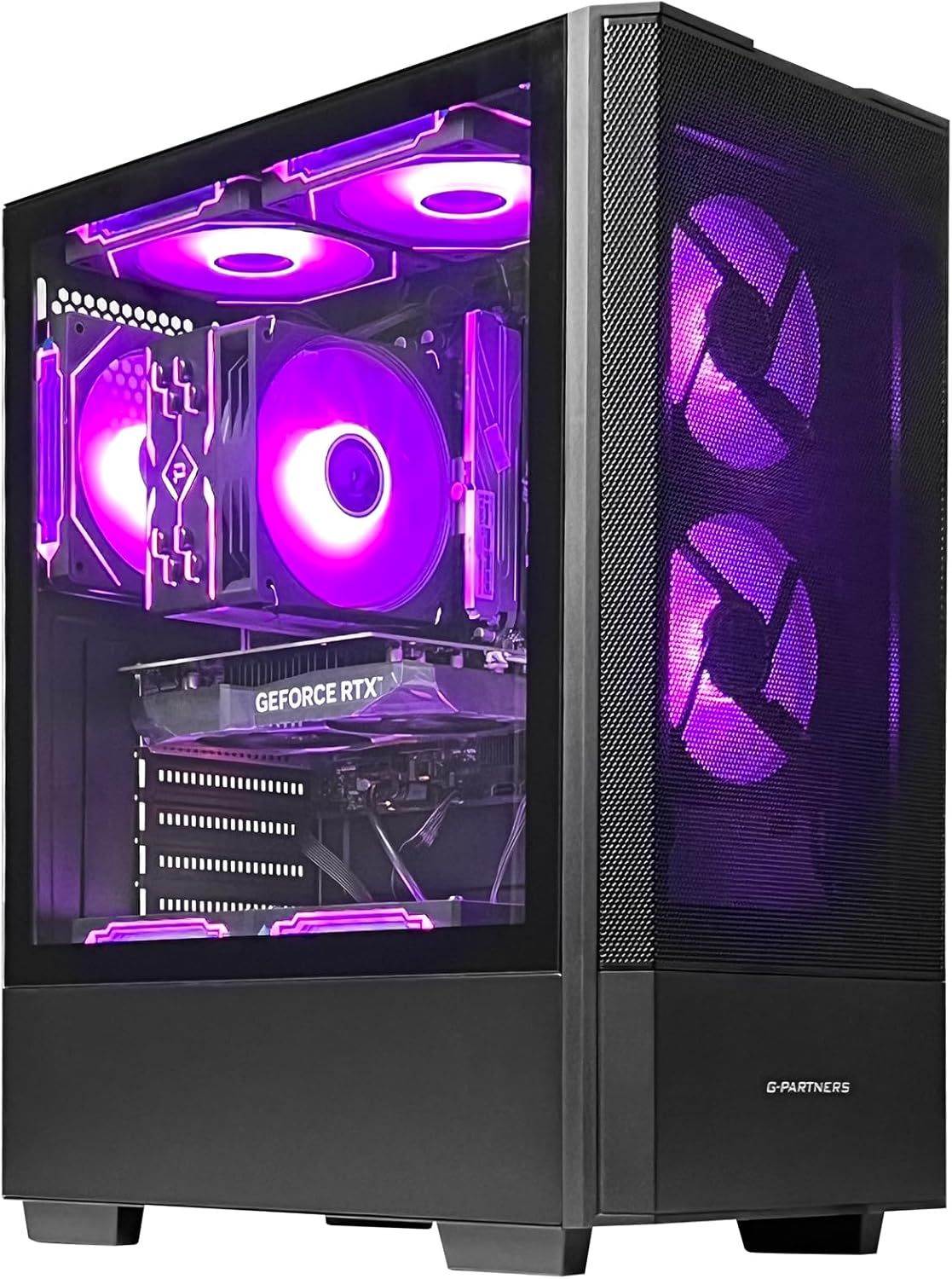

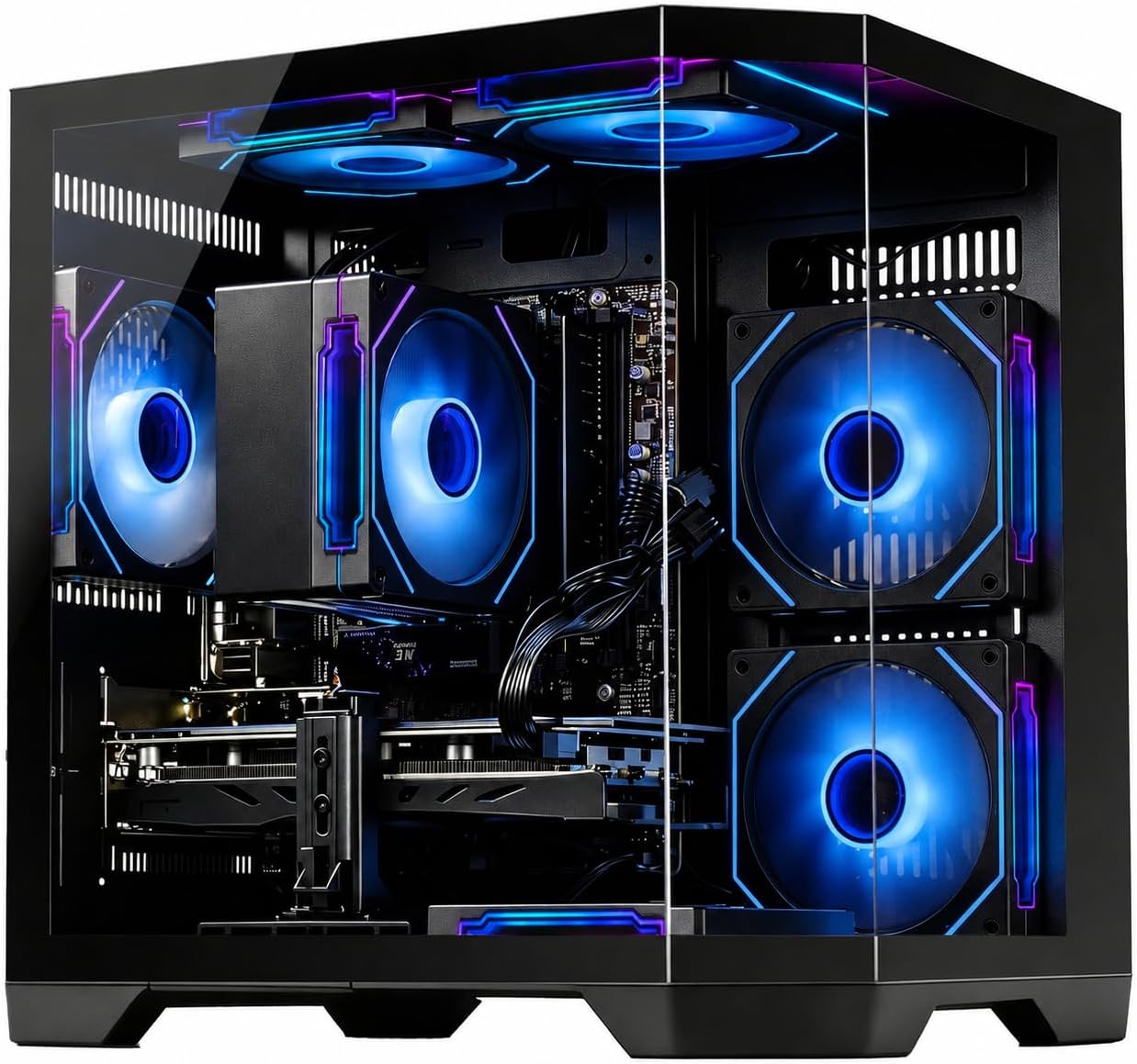


Six budget picks, ordered by graphics power
Olialia Gaming PC with RTX 3060 Ti and Ryzen 5 5500
This is the only system in the group with an RTX 3060 Ti, which puts it ahead of the others on paper for 1080p and for 1440p with DLSS turned on. The listing pairs the card with a Ryzen 5 5500, six cores and twelve threads with a boost up to 4.2GHz, plus 16GB of RAM and a 512GB SSD. It also has the most buyer feedback in this group, 164 reviews averaging 4.5.
It suits someone who wants the strongest GPU a budget can reach and does not mind a small drive. A 512GB SSD fills quickly once you install a few large games, so plan on an external drive or a later upgrade. The case is a compact mid-tower with tempered glass and dust filters, and the listing says repairs are handled in the United States, which counts if you would rather avoid overseas support.
Gaming PC Prebuilt, RTX 3060 Ti, AMD Ryzen 5 5500ZYNEEX Prebuilt Desktop with RTX 3050 6GB and Ryzen 5 5500
The ZYNEEX listing uses an RTX 3050 with 6GB of video memory, a step below the card in the first pick. Its real strength is storage. You get 1TB of NVMe space, which is the most generous drive in this group, and 16GB of DDR4 running at 3200MHz. The listing also mentions built-in Wi-Fi and both HDMI and DisplayPort outputs, which helps if you want to run a second monitor later.
Set your expectations around the graphics card. The listing claims 1080p gaming with ray tracing, and that is a realistic target for lighter titles. For the newest demanding games, expect to lower the settings and not to max them out. The rating is 4.6 from 73 reviews, a good sign for a system at this level, though the buyer count is still small.
Prebuilt Gaming Desktop PC, AMD Ryzen 5 5500LXZ Gaming Desktop with Ryzen 7 4700LE and RTX 3050 8GB
This LXZ build gives you eight cores and sixteen threads from a Ryzen 7 4700LE, with a 65W rating and a boost clock of 4.2GHz. That much CPU headroom helps when you game while running a browser, a voice chat app and a recording tool at the same time. The RTX 3050 here has 8GB of video memory, not 6GB, which gives it more room for higher texture settings in games that use a lot of VRAM.
The trade-offs are the 512GB SSD and the DDR4 memory at 2666MHz, which is slower than the 3200MHz kits in other listings. The seven RGB fans and the WiFi 6 connection are useful extras. The listing also includes HDMI and DVI outputs, so it can drive an older monitor without an adapter. With 64 reviews averaging 4.1, the buyer picture is reasonable.
LXZ Gaming Desktop PC, Ryzen 7 4700LEPebuilt Gaming PC with RTX 3050 8GB and Ryzen 7 4700LE
The hardware here is close to the LXZ listing above: the same Ryzen 7 4700LE, an RTX 3050 with 8GB, 16GB of DDR4 in dual-channel, and a 512GB NVMe drive. The listing adds WiFi 6 and describes the AM4 platform as mature and well understood, which is a fair description. It is a sensible spec sheet for light streaming and everyday play.
The catch is that this listing has no rating yet and no reviews. That does not make it a bad machine, but it means you are buying on the spec sheet and the seller’s policies alone. Before you pay, read the return terms and confirm the warranty length in writing. If you want a track record, the LXZ listing with the same core parts has one.
Pebuilt Gaming PC, GeForce RTX 3050 8GB GDDR6STGAubron Gaming PC with RTX 2060 6G and Ryzen 5 2600
This system is the oldest design in the group. The Ryzen 5 2600 is a six-core chip from an earlier generation, and the RTX 2060 is a Turing card with 6GB of video memory. Neither part is weak for 1080p, but both are older than the Ampere and Blackwell cards in the other picks. The RTX 2060 supports ray tracing in its earlier generation form but lacks the newest frame generation features, so do not expect those.
The package is reasonable for the money: 16GB of DDR4, a 512GB SSD, Windows 11 Home, six RGB fans, Wi-Fi 6 and Bluetooth 5.0, plus a keyboard and mouse. It has a one-year parts and labor warranty. It has no reviews yet, so the same caution as the Pebuilt listing applies. It is a fair choice for someone whose games are mostly older or esports titles and who wants a complete setup.
STGAubron Gaming PC Desktop,R5 2600,RTX 2060Volt X3 Gaming PC with GTX 1070 8GB and Ryzen 5 2600
The Volt X3 is the most affordable design in the group and the one with the oldest graphics card. The listing says every system ships with a GTX 1070 8GB, although the card brand may vary. The GTX 1070 is a Pascal-generation card without ray tracing hardware, so it will not run ray-traced games at useful frame rates. For older and lighter titles at 1080p it still works.
The strongest features are the presentation and the warranty. The case has a tempered glass top and side panel, four ARGB fans, and an LCD that shows CPU and GPU temperatures. The system comes with Windows 11 Pro and a one-year limited hardware warranty. The listing claims a smooth 100+ FPS at 1080p across a long list of titles, but it does not name the settings, so read that figure as marketing. It has no reviews yet.
Volt X3 V1.2 Gaming PC Desktop ComputerWhat to check before you buy a budget gaming PC
- Graphics card first. A GTX 1070 and an RTX 3060 Ti are far apart in what they can do, even though both are sold as 1080p machines.
- Video memory. 6GB is workable for 1080p, but 8GB gives more room for high-resolution textures in newer games.
- Processor cores and threads. Six cores is enough for most games. Eight cores and sixteen threads help if you also stream or record.
- Memory. 16GB is the practical floor for gaming in 2026. DDR5 gives more long-term headroom, but DDR4 is a sensible budget choice.
- Storage size. A 512GB SSD holds only a handful of large games. A 1TB drive saves you from an early upgrade.
- Warranty and support. One year of parts and labor is the norm here. Check who handles repairs and whether the seller answers questions.
- Review count. A 4.6 rating from 73 reviews tells you more than a 4.8 rating from none.
Start from the graphics card and then look at the rest of the build. If a listing names the GPU clearly and gives the RAM speed and SSD size, you can compare it fairly with the others. If the listing is vague about the card, treat that as a warning sign rather than a bargain.
Budget systems also leave less room to upgrade. A case with spare drive bays and a power supply with some headroom will make a later GPU swap easier. The buyer’s checklist for prebuilt PCs covers those points in more detail.
Where budget builds usually go wrong
The most common mistake is buying for the frame rate in a single game and forgetting everything else. A PC that runs one shooter well can still struggle with a large open-world game once the textures are loaded, or stall when you open a browser with many tabs. Look at the whole configuration rather than the headline card.
The second mistake is expecting a budget machine to behave like a premium one. If you want to play the newest games at high settings with ray tracing, step up to a mid-range system. The mid-range comparison shows what the extra money buys in graphics power.
Budget gaming PC questions
Can a budget prebuilt run 1080p at high settings?
Often, yes, in many games, provided the card is an RTX 3060 Ti class part or better. The older cards in this list will usually need medium settings or lower in newer titles. The settings that cost the most performance are usually shadows, ray tracing and very high texture quality, so start by lowering those.
Is 16GB of RAM enough for gaming?
For most games, yes. Many people who stream while they play, or keep a lot of programs open, will be happier with 32GB, and that is worth checking if the listing offers it. Adding memory later is possible on most desktop builds, as long as there are free slots.
Does DDR4 hold a budget PC back?
Not in a way most players will notice at 1080p. DDR4 is slower than DDR5, and that can matter more in CPU-heavy games. The practical difference at budget level is small, so do not pay extra only for the memory type.
Do I need Windows 11 Pro for gaming?
No. Windows 11 Home runs games without any problem. Pro adds features such as BitLocker encryption and domain joining, which most home gamers never use. If a listing includes Pro at no extra cost, that is a small bonus rather than a reason to choose one machine over another.